
Image to Video
Give a still photo motion, atmosphere, and a share-ready result in seconds.
Liberai is an AI creation studio for your phone. Animate a still photo, restyle a portrait, or start from a ready-made template — and get a share-ready result in seconds.
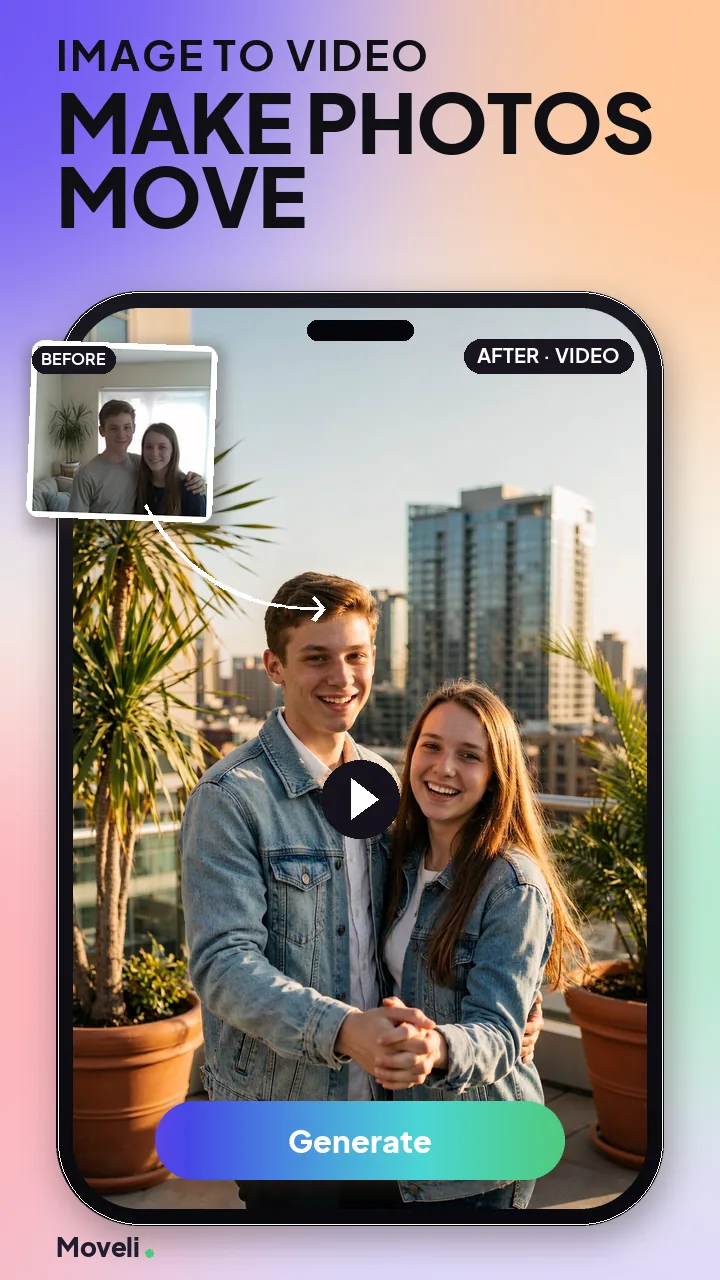
Every mode sits one tap from the home screen. Pick one, add your input, and Liberai handles the rest.
Give a still photo motion, atmosphere, and a share-ready result in seconds.
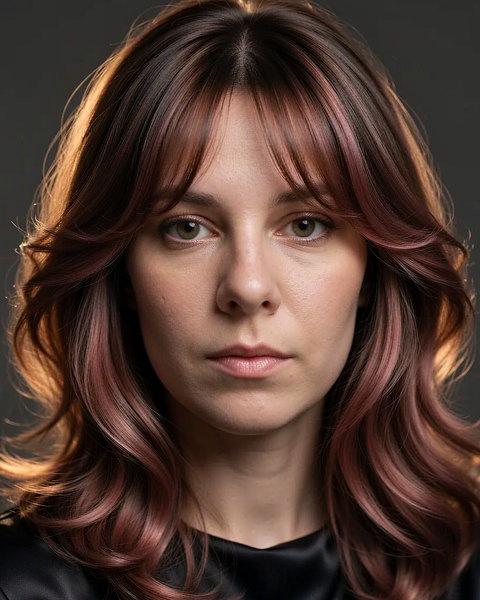
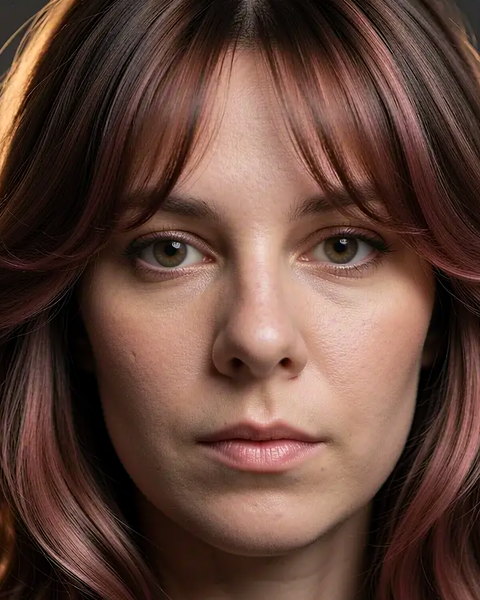
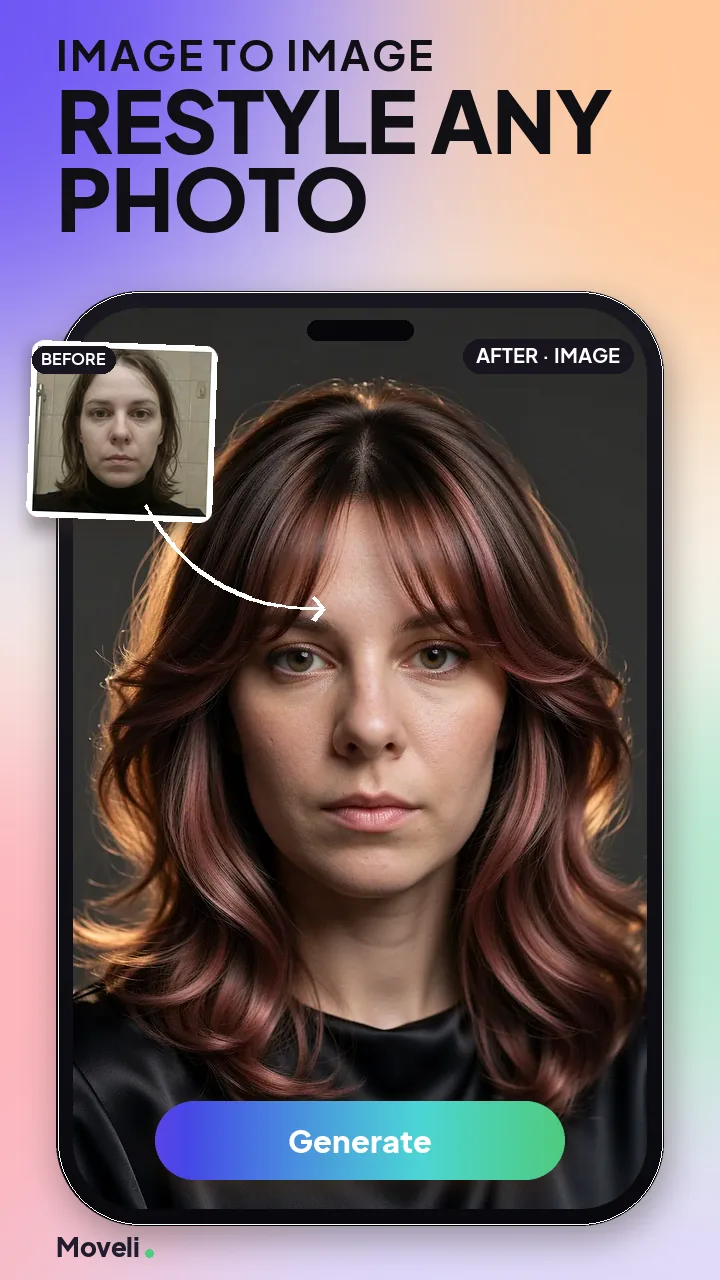
Restyle a photo, rebuild the lighting, or move it into a whole new look.
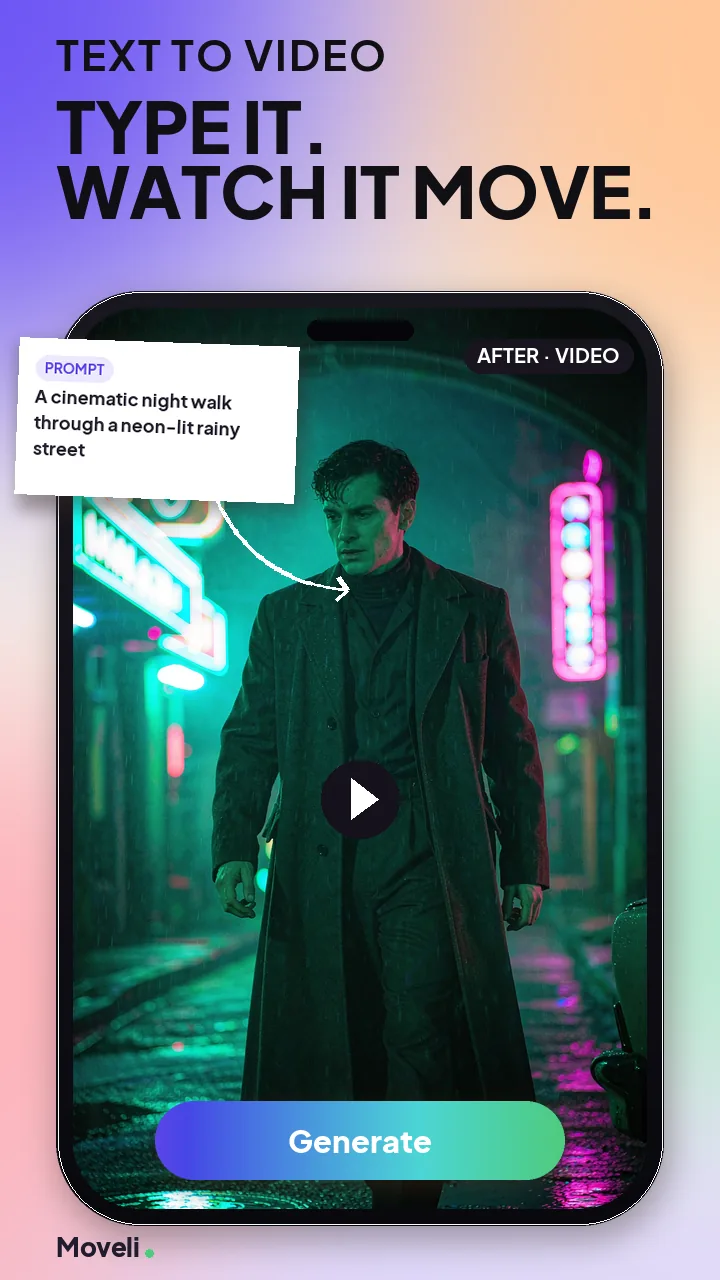
Describe a scene, an action, or a mood — Liberai generates the footage.
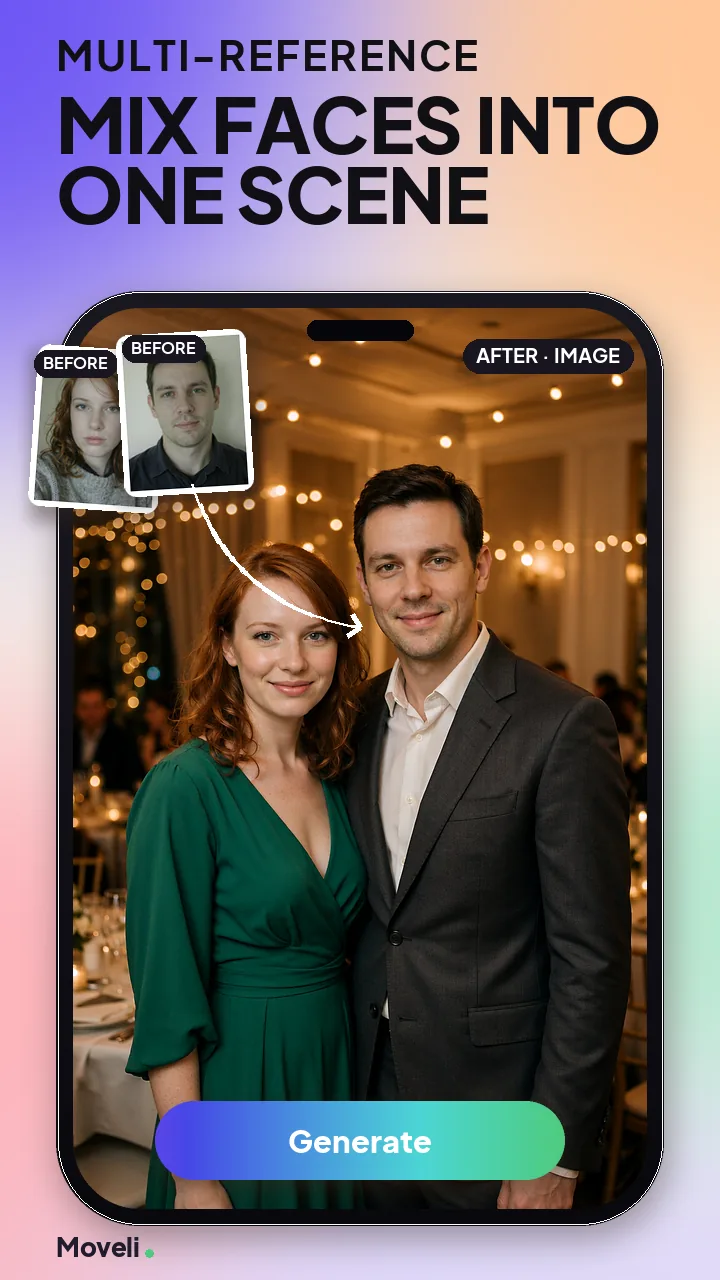
Blend characters, scenes, and styles from several references into one result.
Browse ready-made scenes, drop in your own photo, and get a finished result with the pacing and style already handled. New templates land regularly.
 New
New
 New
New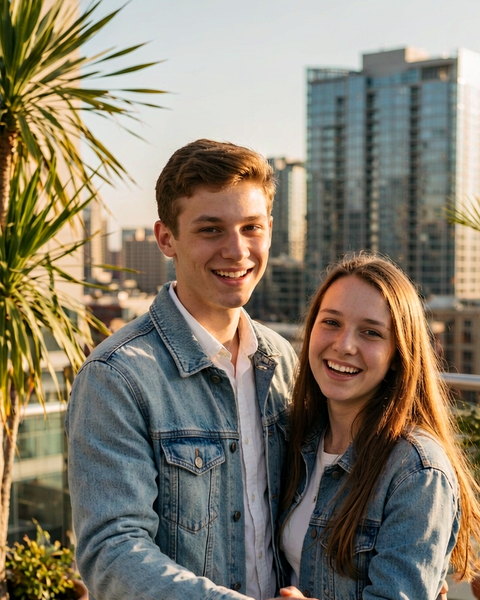
 New
New
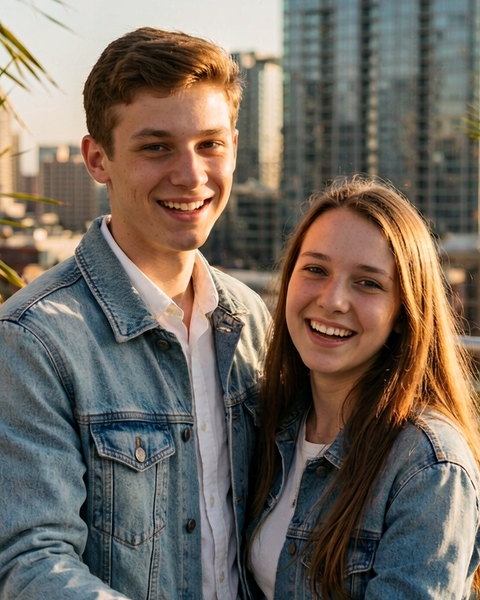
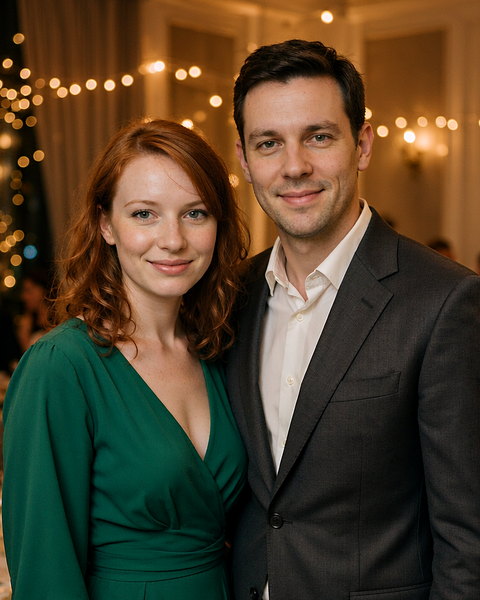
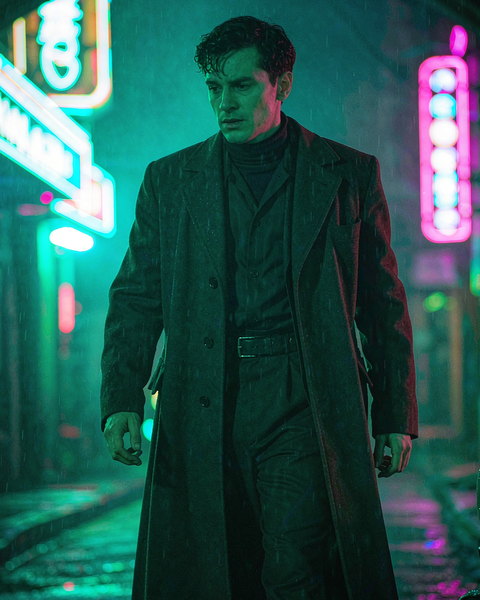
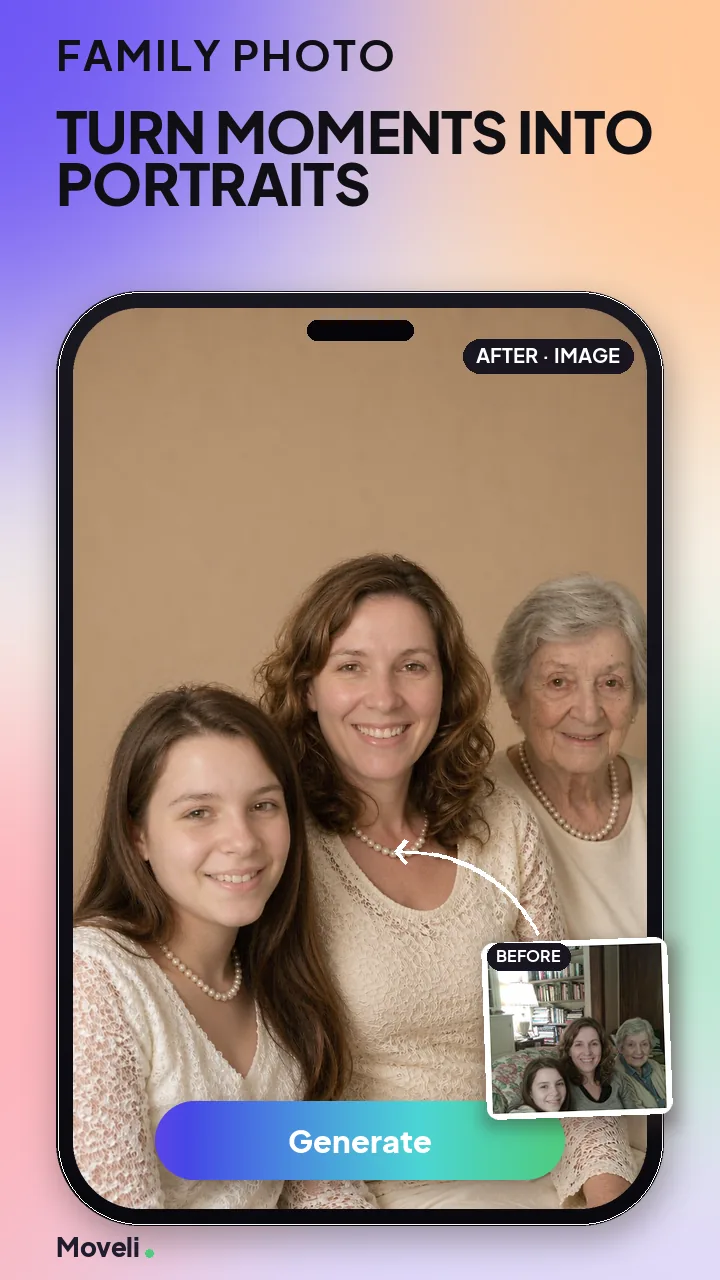
These are the app's own Play Store screens. Every one puts the photo you gave it next to the result it returned — no timeline, no layers, no export settings.
Liberai asks a short set of questions on first launch and tunes the template gallery to what you actually want to make. You can change any answer later.
Helps us pick templates. Change any time.
Pick anyone you have permission to use.
Start with image-to-video, image-to-image, text-to-video, or a template.
Upload a photo you own, write a prompt, or pick a preset from the gallery.
Create your result, download it to your phone, and share it wherever you like.
Liberai runs on credits. The price of a generation is shown on the button before you tap it — never discovered afterwards.
Starting credits, so you can try every mode before paying anything.
Buy credits when you need them. Packs never expire and are not a subscription.
Costs are listed per generation, and your balance sits on the home screen.
Liberai is built to create, not to broadcast. Nothing you make is exposed to other users unless you choose to share it yourself.
Download Liberai free from Google Play and make your first AI video in under a minute.